MyDMV Services, Listed: What Nevada Handles Without an Office Visit
MyDMV can save Nevada drivers an office trip, but it does not handle every license, ID, or vehicle transaction. The challenge is figuring out which online service fits the task, whether another portal is involved, and when an office visit is still required. Here’s what Nevada handles online and how to choose the right route before you start.
What you can do through MyDMV
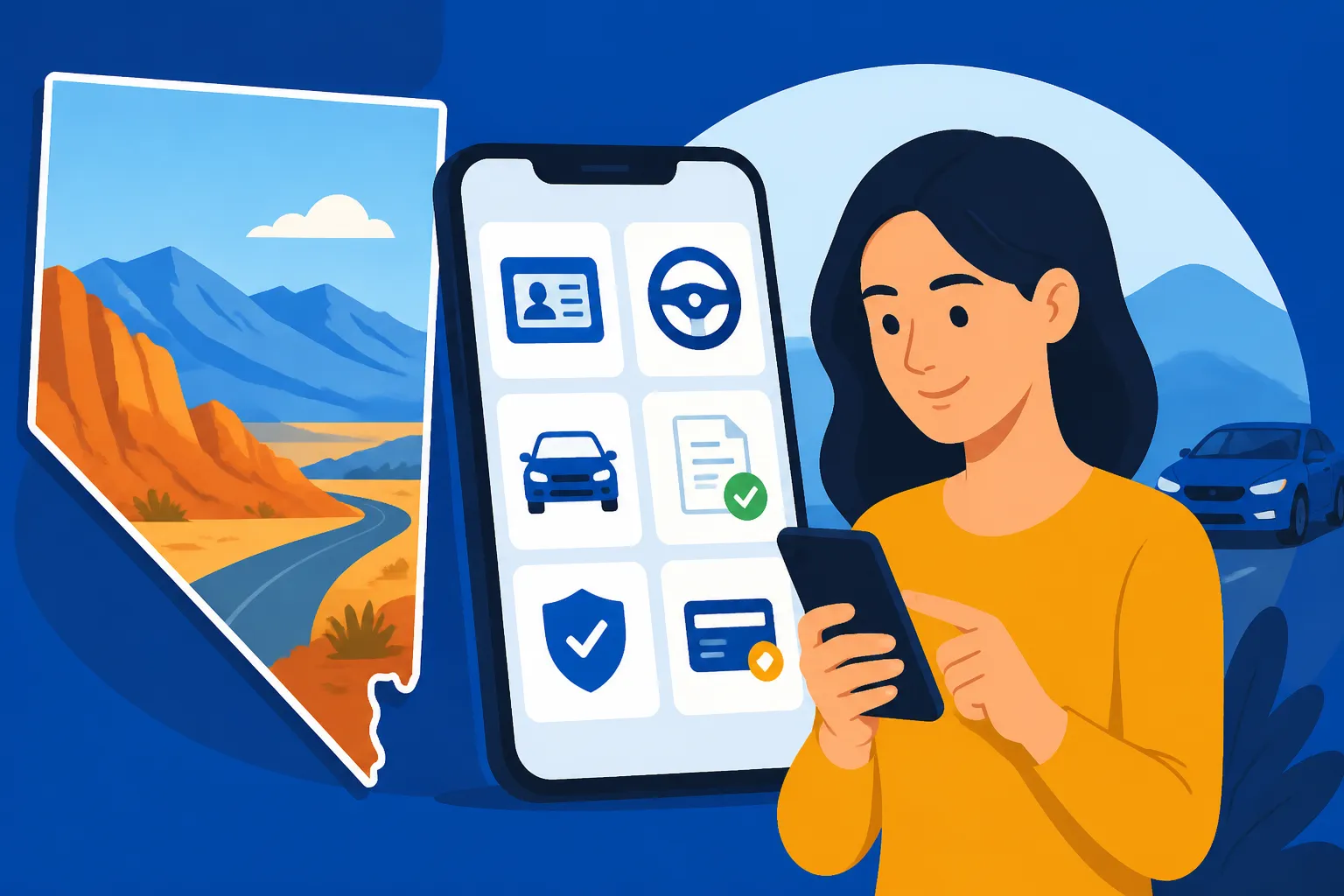
MyDMV covers several common driver and vehicle tasks. Nevada DMV describes it as a way to handle eligible transactions online, but a service appearing online does not mean every customer or situation qualifies. Check the transaction details before relying on an online option.
| Task | Online route | Important limit |
|---|---|---|
| Driver’s license or ID renewal | MyDMV | Eligibility and transaction rules apply |
| Duplicate driver’s license or ID | MyDMV | Some situations may require an office visit |
| Address change | MyDMV | Make sure the update applies to the record you intend to change |
| Driver-history printout | MyDMV | Available for the past 3 or 10 years |
| Written permit test | MyDMV | This is an online test service, not a first-time license issuance |
| Vehicle registration renewal | MyDMV | Some vehicles or records may not qualify |
| Registration cancellation and plate surrender | MyDMV | Follow the instructions for the specific cancellation |
| Movement permit | MyDMV | The permit is for operating an expired or testing vehicle |
| Rapid Registration and Turbo Titles | DriveNV | Some transactions require an office follow-up |
Renewing or replacing a license or ID
MyDMV handles eligible driver’s license and ID renewals and duplicate cards. According to the Nevada DMV, drivers between the ages of 16 and 70 are generally eligible to renew their driver’s licenses online. “Generally eligible” matters: the service can still depend on the person’s record, the type of credential, and the transaction being requested.
If the online renewal is unavailable, do not assume the account is broken or that you have no options. A service may direct you to an office because of the transaction or your circumstances. For a fuller comparison of renewal routes and eligibility, see Renewing a Nevada Driver’s License: Online, In Person and by Mail. If you need an overview of license renewals and replacements more broadly, Nevada Driver’s Licenses: Getting, Renewing and Replacing Your Card is a useful next step.
MyDMV also offers duplicate license and ID transactions. A duplicate is different from renewing a credential that is expiring, so choose the service that matches the reason you need a new card. If the card was lost, damaged, or stolen, Lost Your Driver’s License? How Replacing It Through MyDMV Works explains the replacement route.
People applying for a first Nevada license or ID should not treat online renewal or duplicate services as a first-time application. Nevada DMV says first-time license or ID issuance requires an office visit. For ID eligibility and application basics, see Who Can Get a Nevada ID Card and How to Apply.
Updating your address or card details
MyDMV supports address changes and lets people view, manage, or update their Nevada ID or Driver License details securely online, according to the Nevada DMV. Before submitting a change, check which record the transaction updates and whether you also need to change a separate vehicle record. A driver’s license address and a vehicle registration record may need attention independently.
Keep the confirmation or other transaction information the system provides. If something appears incorrect afterward, check the relevant record rather than assuming that an update to one credential changed every record associated with you. For more on the driver-license address process, see Changing Your Address Through MyDMV: A Walkthrough for Nevada Drivers.
Getting a driver-history printout
Drivers can access their Nevada driver history online for the past 3 or 10 years, according to the Nevada DMV. The two options are different report periods, so choose the one that matches the request you need to satisfy. A shorter report may not meet a request for a longer record, and a longer report may include more history than you need.
If a school, employer, insurer, or another organization asked you for a record, check what period and format it requires before ordering or retrieving one. For an explanation of the report options, see Nevada Driving History Reports: 3-Year vs. 10-Year Records.
Taking an online written permit test
MyDMV provides online written permit tests. That can make the knowledge-test step more convenient, but it should not be confused with completing every part of a first license transaction online. According to the Nevada DMV, first-time license issuance requires an office visit.
Treat the online exam as an official testing option, not as a study course. Read the Nevada DMV’s current instructions for test eligibility and what happens after a passing result. If you want structured learning materials before testing, a private driver education provider such as I Drive Safely may help with preparation, but it does not replace the Nevada DMV’s test or licensing transaction.
Renewing registration or canceling it
MyDMV also handles vehicle-registration renewals and registration cancellations with plate surrender. These are different tasks: a renewal keeps a registration active, while a cancellation ends it and includes the plate-surrender step. Select the transaction that reflects what you are actually doing.
If your renewal is blocked, check the reason shown by the service and whether another requirement remains. Do not assume a failed online renewal means the registration has been renewed or that a cancellation is complete. For the wider registration process, see Vehicle Registration in Nevada: Paperwork, Proof and Yearly Upkeep.
Getting a movement permit
According to the Nevada DMV, a movement permit can be obtained online through MyDMV to operate an expired or testing vehicle. This is a specific, limited-purpose option; it is not the same as renewing a registration. Read the permit’s conditions before driving, and make sure the vehicle’s situation matches the purpose for which the permit is issued.
MyDMV and DriveNV are not the same portal
Drivers can run into confusion because Nevada offers online services through more than one portal. MyDMV handles many license, ID, and registration tasks. DriveNV also provides vehicle tools, including Rapid Registration and Turbo Titles. Some DriveNV transactions require an office follow-up, so an online start does not always mean the entire task is completed remotely.
The distinction is practical: begin with the portal that offers the service you need, then follow the specific instructions it gives you. Avoid assuming that every vehicle service belongs in MyDMV or that every online vehicle tool will finish without another step. For a side-by-side explanation of the two portals, see DriveNV vs. MyDMV: Two Nevada Portals and the Job Each One Does.
An online transaction may involve a follow-up because the record or task needs something that cannot be completed through the portal. If the service says an office visit is required, treat that as part of the transaction rather than an optional extra. Do not start a second application in another portal just because the first one paused or referred you elsewhere; first confirm what the service says remains to be done.
If you are preparing to use a MyDMV account, Setting Up or Recovering a MyDMV Account, Step by Step can help with account access. If the transaction itself returns an error, the best next step depends on the specific message. MyDMV Error During an Online License Renewal? What to Try Next and When a MyDMV Renewal Error Sends You to a DMV Office Instead cover renewal problems and the situations that may call for in-person service.
Transactions that still require an office visit
Online services are useful, but they do not eliminate every in-person requirement. Nevada DMV says Real ID and first-time license or ID issuance require an office visit. Permit, commercial-license, and driver-authorization-card renewals must also be done in person.
These limits are easy to overlook when an online service offers other renewals or duplicate cards. A renewal for one credential does not establish that a different credential can be renewed through the same route. Before making plans around an online transaction, identify the exact credential and service you need.
A Real ID upgrade is not the same as renewing a standard credential. If you need a Real ID, plan for the required office visit and check the current document requirements with the Nevada DMV. A Complete Driver’s Guide to REAL ID in Nevada explains the difference between the credential types and the application process. For help deciding which card fits your needs, see Nevada REAL ID vs. Standard License: Which One Fits Your Life?.
First-time applicants should also plan around the in-person requirement. Online account access, an online written permit test, or a vehicle service does not turn a first-time license or ID issuance into a fully online application. Check what documents and steps the Nevada DMV requires for your specific application before going to an office. Starting with the right checklist can prevent a visit that ends because a required item is missing.
Most in-person services require an appointment, according to the Nevada DMV. There are limited exceptions, such as plate drop-off and certain document drop-offs, but those exceptions do not mean that a regular license or ID transaction can be handled as a walk-in. Find the nearest office and its current hours with the Nevada DMV’s official office locator, and confirm whether your service requires an appointment.
How to choose the right route before you start
A little sorting up front can save time. Use the task itself, not just the kind of card or vehicle involved, to decide where to begin.
Identify the exact transaction
Write down what you need done in plain terms: renew a license, replace a lost card, update an address, request a driving record, renew a registration, cancel a registration, or get a movement permit. Similar-looking transactions can have different eligibility rules. For example, renewing an active registration and canceling one are separate tasks, even though both involve the same vehicle record.
For a license or ID, distinguish among renewal, duplicate, first-time issuance, and an upgrade to Real ID. For a vehicle, distinguish between renewal, cancellation, and a title-related transaction. Choosing the closest matching service is better than opening an application that sounds generally relevant and hoping it covers your situation.
Check the portal and any stated limits
Use MyDMV for the listed license, ID, and registration services. If you are using Rapid Registration or Turbo Titles, start through DriveNV and read whether an office follow-up is required. If you cannot find a service, do not assume another portal offers the same transaction; check the Nevada DMV’s current service instructions.
A service can be online while still having eligibility limits. Review any prompts carefully, including messages that say you need to visit an office or provide something else. If you are asked to stop and follow a different route, save the transaction details so you can explain where the process paused.
Keep online and in-person steps separate
Some tasks are fully suited to online handling, while others require an office visit from the start. Still others may begin online but need follow-up. Make plans according to the service’s instructions, not just the fact that an online application exists.
If an appointment is needed, use the Nevada DMV’s official appointment process. Most in-person services require an appointment, though the DMV has limited exceptions such as plate drop-off and certain document drop-offs. Check the office locator for the nearest location and current hours rather than relying on old information or an assumed schedule.
Save confirmation and check the record
After completing an online transaction, keep the confirmation details and review the relevant account or record for the expected change. A submission screen alone may not answer whether a transaction is finished, especially when the portal indicates that follow-up is required.
For a registration cancellation, verify that you completed the plate-surrender instructions. For an address change, check the particular record you meant to update. For a license renewal or duplicate, make sure the transaction status reflects the service you requested. If the system does not show the expected result, use its instructions or contact the Nevada DMV through its official channels rather than repeating the transaction without checking.
Understand the limits of online voter registration
The Nevada DMV says automatic submission for voter registration requires completing a Nevada driver’s license or ID card transaction in-person or online via MyDMV. This is tied to completing a qualifying driver’s license or ID card transaction; it is not a separate MyDMV service for changing every aspect of voter registration.
If voter registration is part of why you are completing a license or ID transaction, review the information shown during that transaction and confirm the details with the appropriate official source if you have questions. Do not assume that a change to a vehicle record or a driver-history request triggers the same process.
Frequently Asked Questions
Can I get a first Nevada driver’s license entirely through MyDMV?
No. According to the Nevada DMV, first-time license issuance requires an office visit. Some other tasks, including an online written permit test, are available online, but that does not complete first-time issuance.
Can I renew any Nevada credential online?
No. Nevada DMV says drivers between the ages of 16 and 70 are generally eligible to renew their driver’s licenses online, but eligibility is not universal. Permit, commercial-license, and driver-authorization-card renewals must be done in person.
Can I request a driver-history report online?
Yes. According to the Nevada DMV, drivers can access their Nevada driver history online for the past 3 or 10 years. Check which report period the person or organization requesting it needs.
Does an online vehicle transaction always avoid an office visit?
No. MyDMV offers several online vehicle services, and Rapid Registration and Turbo Titles are available through DriveNV. The Nevada DMV notes that some DriveNV tools require an office follow-up. Check the instructions for the exact transaction.
Do I need an appointment for every office visit?
No. Most in-person services require an appointment, according to the Nevada DMV, but there are limited exceptions such as plate drop-off and certain document drop-offs. Confirm the rule for your specific service before going.
Sources
- Nevada DMV — Online Services (checked November 12, 2026)
- Nevada DMV — Nevada DMV You (checked November 12, 2026)
- Nevada DMV — Nevada DMV – Voter Registration (checked November 12, 2026)
Disclaimer
This article is for general informational purposes only and does not constitute professional advice. Laws, prices and regulations vary by location and change over time. Consult a qualified professional for guidance on your specific situation. Nevada Driver Guide is not a government agency and is not affiliated with any state motor vehicle department.